
Purpose: Learn what proof of delivery (POD) is, how to request it and what to do if the POD is not available or if your customer still says they did not receive the parcel.
What is a Proof of delivery
Proof of delivery (POD), is confirmation from the carrier that a parcel was delivered. Depending on the carrier and the shipping method, the POD can include information such as:
- the delivery date
- the delivery time
- the delivery location
- the name of the recipient
- the signature of the recipient
Important: A parcel with the tracking status Delivered does not always have a separate POD document or signature. The information available depends on the carrier and the shipping method used.
How to request POD
Proof of delivery can be requested directly from your Sendcloud panel:
- In your Sendcloud panel, find the delivered parcel and click the eye icon to open its label details
- Open the Customer service tab
- Click Request proof of delivery (POD)
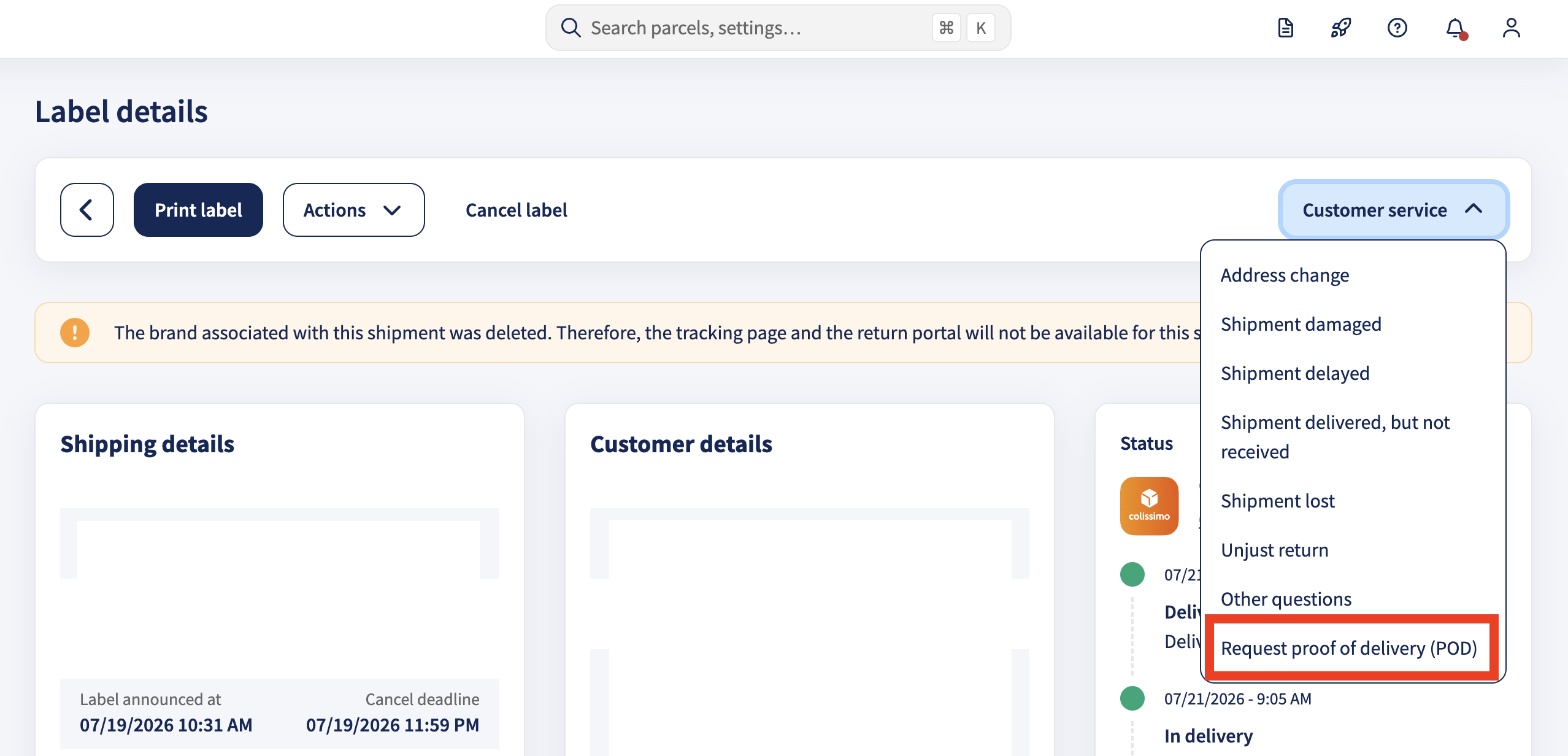
If you don't see it in the Customer service tab, it isn't supported for that shipment. Contact Customer Support and we'll request the POD from the carrier.
Downloading your POD from Correos Express
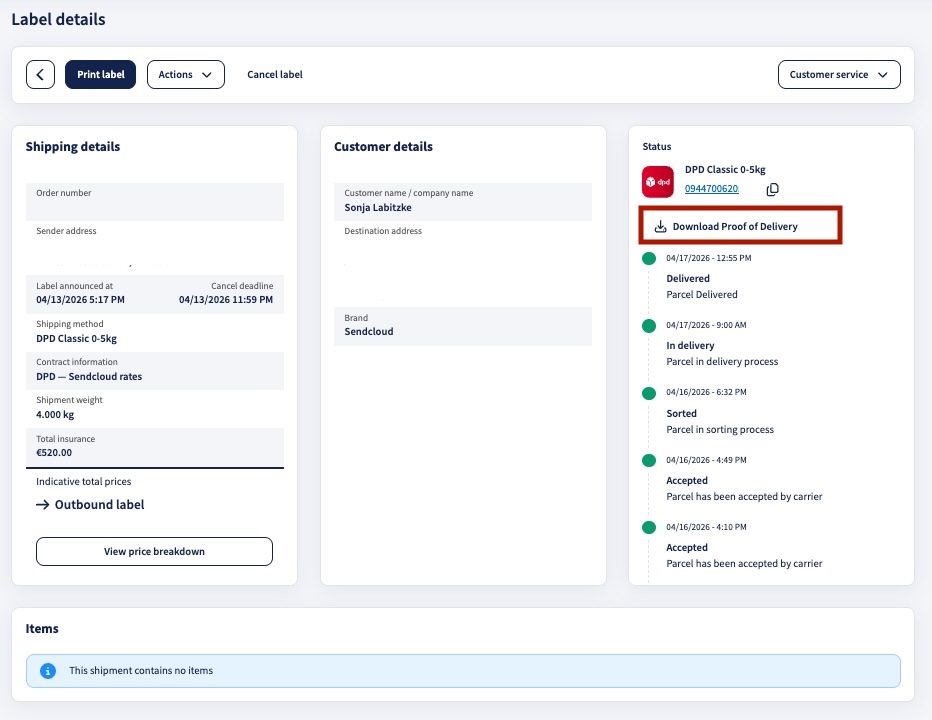
For Correos Express shipments in Spain, the POD is available for download directly from your Sendcloud panel.
To download the POD:
- In your Sendcloud panel, go to Shipping > Orders > Shipped
- Find the parcel for which you need the POD
- Open the parcel details
- Download the proof of delivery, if available
If the download does not work, or if the POD is not available in the panel, contact our Customer Support team. We can then request the proof of delivery directly from the carrier.
If you ship with your own Correos Express contract, you first need to activate proof of delivery (POD) with Correos Express by adding three additional parameters to your contract settings in Sendcloud. See Correos Express contract activation for instructions.
What if the POD is available and correct, but my customer still did not receive the parcel?
If the POD confirms that the parcel was delivered, but your customer says they did not receive it, ask your customer to first check nearby delivery locations, such as:
- a neighbor
- a porch
- a reception desk
- a mailbox
- a parcel locker
- another safe place around the delivery address
If your customer still cannot find the parcel, create a ticket for Shipment delivered, but not received so that we can start an investigation with the carrier.
What if POD is not available?
Proof of delivery is provided by the carrier. This means that Sendcloud can only share POD when the carrier makes it available.
POD may not be available if:
- the carrier does not provide POD for the selected shipping method
- the shipment did not include signature on delivery
- the delivery scan is the only delivery confirmation available
- the carrier cannot provide additional delivery details
If POD is not available and your customer says they did not receive the parcel, you can still create a ticket for Shipment delivered, but not received. We will then check the case with the carrier based on the available tracking information.