
Purpose: Learn how to connect your Tide store to Sendcloud and start importing new orders into your Sendcloud account.
Before you start
To use the Tide integration with Sendcloud, you’ll need:
- An active Tide store
- An active Sendcloud account
- Your Sendcloud account setup completed, including carrier selection and sender address
- Product weights added to your Tide products, so shipping rates can be calculated correctly
Product weights must be added in Tide for Sendcloud shipping rates to work correctly. If products don’t have weights, the rate calculation may not work as expected at checkout.
Connect your Tide store to Sendcloud
- Log in to your Tide store.
- Go to Dashboard > Find Sendcloud > Click Connect:
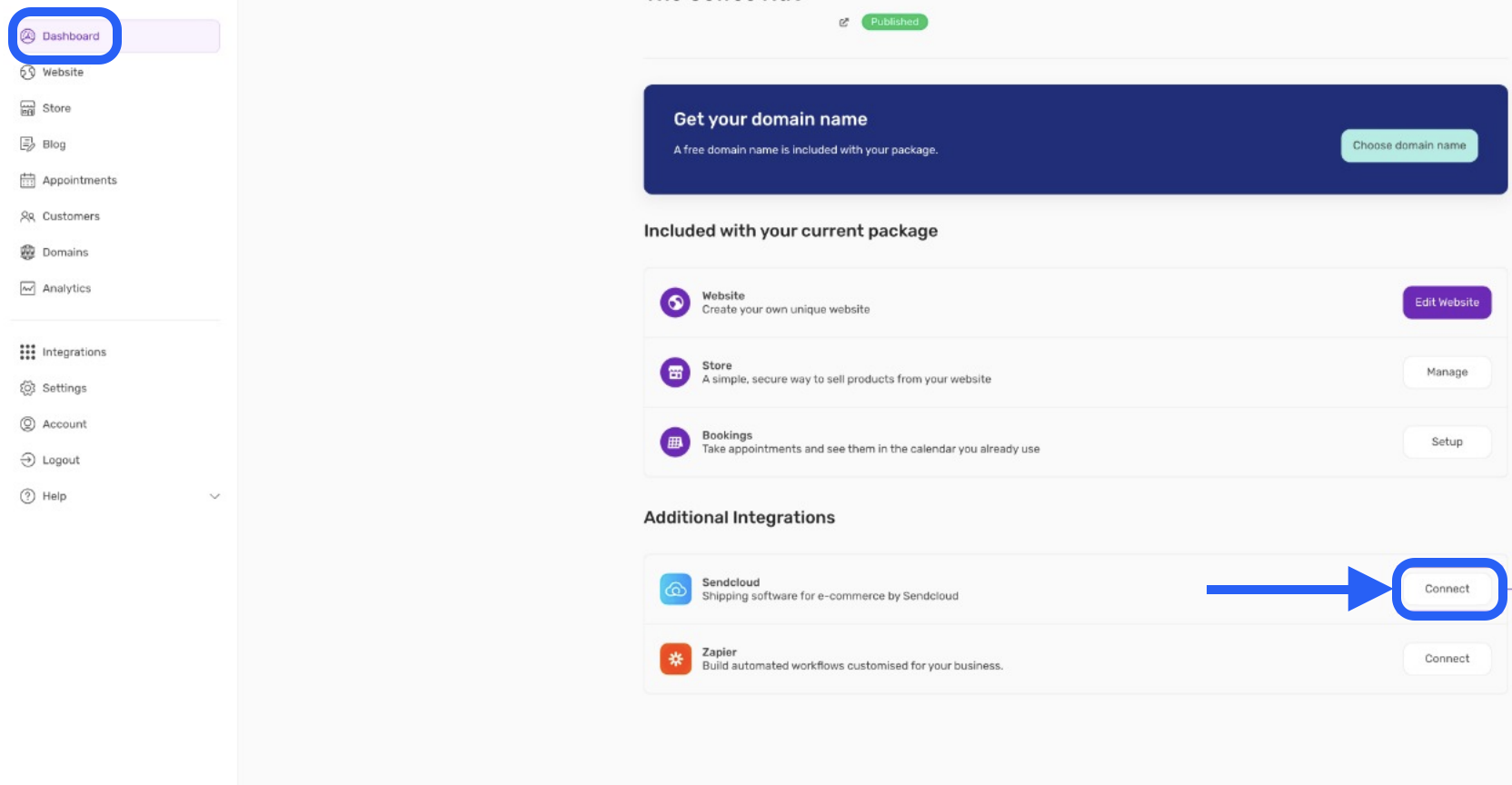
- You’ll be redirected to the Sendcloud connection page.
- Log in to your Sendcloud account, if prompted.
- Review the requested permissions and authorise the connection.
- Once authorised, you’ll be redirected back to Tide.
Configure shipping rates in Tide
After connecting Sendcloud, you’ll need to enable Sendcloud shipping rates in your Tide store settings, so they appear at checkout.
- In Tide, go to Store settings > Shipping.
- Once you are on the shipping settings page, Activate the Sendcloud rates:
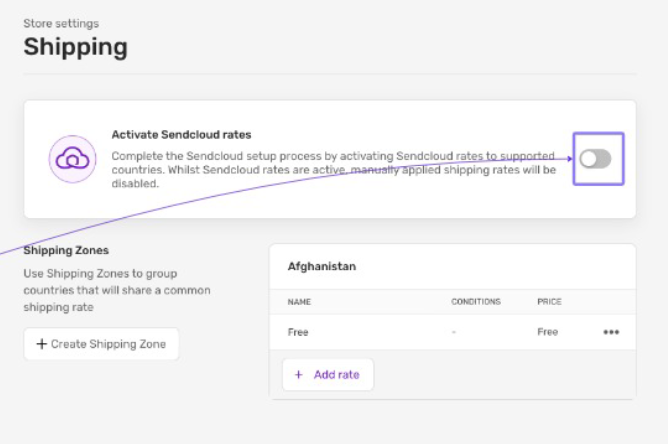
- Save your changes.
Add product weights in Tide
Sendcloud uses product weights to calculate shipping rates. Before testing checkout, make sure each product has a weight added.
- In Tide, go to your products.
- Open or create a product.
- Add the product weight in the product details.
- Save the product.
💡 Tip: For additional Sendcloud settings, see carrier configuration, shipping rules, sender addresses, and label creation.
Order import behaviour
The Tide integration uses webhooks, so order updates are sent to Sendcloud in real time.
Historical orders are not imported. Only orders placed after the initial Sendcloud setup will be sent to Sendcloud.
Supported countries and regions
To use Sendcloud for shipping with Tide, the store owner must be based in one of the following countries:
- Austria
- Belgium
- France
- Germany
- Italy
- Netherlands
- Spain
- United Kingdom
Although the sender must be based in one of these countries, international shipping is possible as long as the selected carrier supports the destination.
Troubleshooting
If orders or rates aren’t appearing as expected, check the following:
- Your Sendcloud account setup is complete.
- Your sender address has been added in Sendcloud.
- Your carriers are configured in Sendcloud.
- Sendcloud shipping rates are enabled in Tide.
- All products have weights added in Tide.
- The order was created after the Tide integration was connected.