Purpose: learn more about the changes happening with Exact Online and our new partner.
Important: As of September 2025, the Exact Online integration is managed by our partner xCore. All integration, configuration, order synchronization, and troubleshooting support is provided by xCore. If you experience any issues with your Exact Online integration, please reach out to xCore for assistance.
What's new?
As of September 2025, we have a new integration partner (xCore) for our Exact Online integration. This also brings us to a new and improved version of the Exact Online integration.
Who is xCore?
xCore is our new integration partner but what does that mean? For certain integrations, we partner with specialized companies to ensure we can deliver the best possible connection for our users. xCore specializes in Exact Online and will be able to help us elevate the integration.
xCore was founded by 5 very experienced Exact specialists and now working with more than 40 colleagues. They are based in Groningen, the Netherlands, and are recognized as an official Exact partner. They have a wide range of experience in the e-commerce world and are, therefore, a trusted partner.
Switching to the new integration
We now offer a new version of the Exact Online integration. What does that mean for you?
- It means that we will no longer actively support our previous Exact Online integration. Our team will no longer fix bugs or update the integration. In other words, it will be deprecated.
- We strongly suggest that you move to the new Exact Online integration. The connection between us and Exact will be improved and also allow us to further build upon this in the future. It will be built by true Exact specialists to ensure the strongest possible connection.
How to move to the new Exact Online integration
Whether you have an existing integration with Sendcloud and Exact Online or you're setting up the integration for the first time, you have two options to get started:
- Set it up yourself (free) — You can install the integration yourself using the step-by-step installation wizard on the xCore platform. Watch the tutorial video for a guided walkthrough of each step.
- Have it done for you (paid) — Prefer to hand off the setup? You can request an implementation consultation with xCore. An experienced consultant will handle the full installation for you. Click here to request a consult.
Error messages
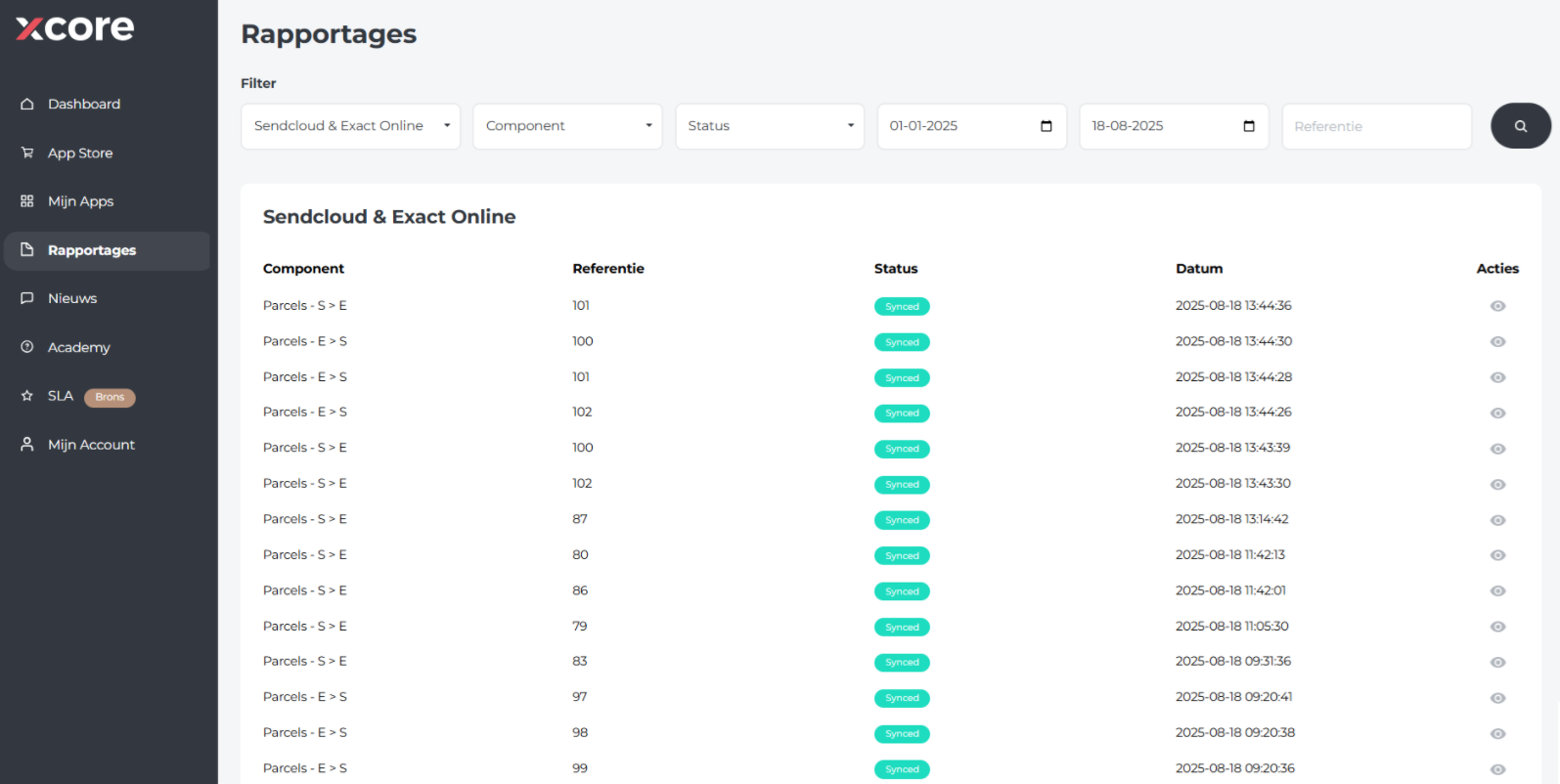
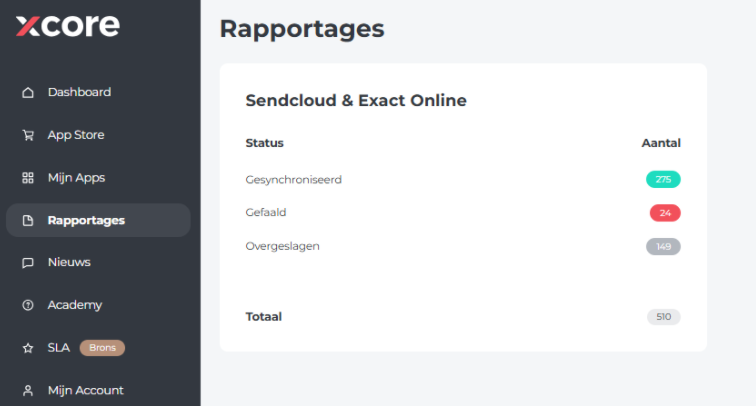
To verify if there are any errors in your integration, go to Rapportages in your xCore environment. This section shows an overview of the current status of your Sendcloud & Exact Online integration.
You'll find a list of all orders and their references. Click the eye icon under Actions to view more details, including any error messages. These messages can help you understand what went wrong and how to resolve it.